
 Link active
Category directory
Superbuy spreadsheet: Pants
Compare current pants records, then verify the exact variant and destination before continuing.
Link activeHow to compare pants finds
Use the reference price only as a starting point. Confirm current availability, dimensions, color, materials and QC evidence on the destination page. Similar thumbnails can represent different batches or variants.
Read the spreadsheet workflow →Category-specific checklist
What to check for pants before shipping
Pants should be compared through actual garment measurements rather than the tagged waist alone. Check the selected cut, color and size, then review waist, rise, inseam and leg opening to understand the fit before international shipping.
Use the complete QC photo checklist →Measure more than the waist
Use waist width, front rise, inseam and leg opening together because two pairs with the same label can fit very differently.
Inspect the full silhouette
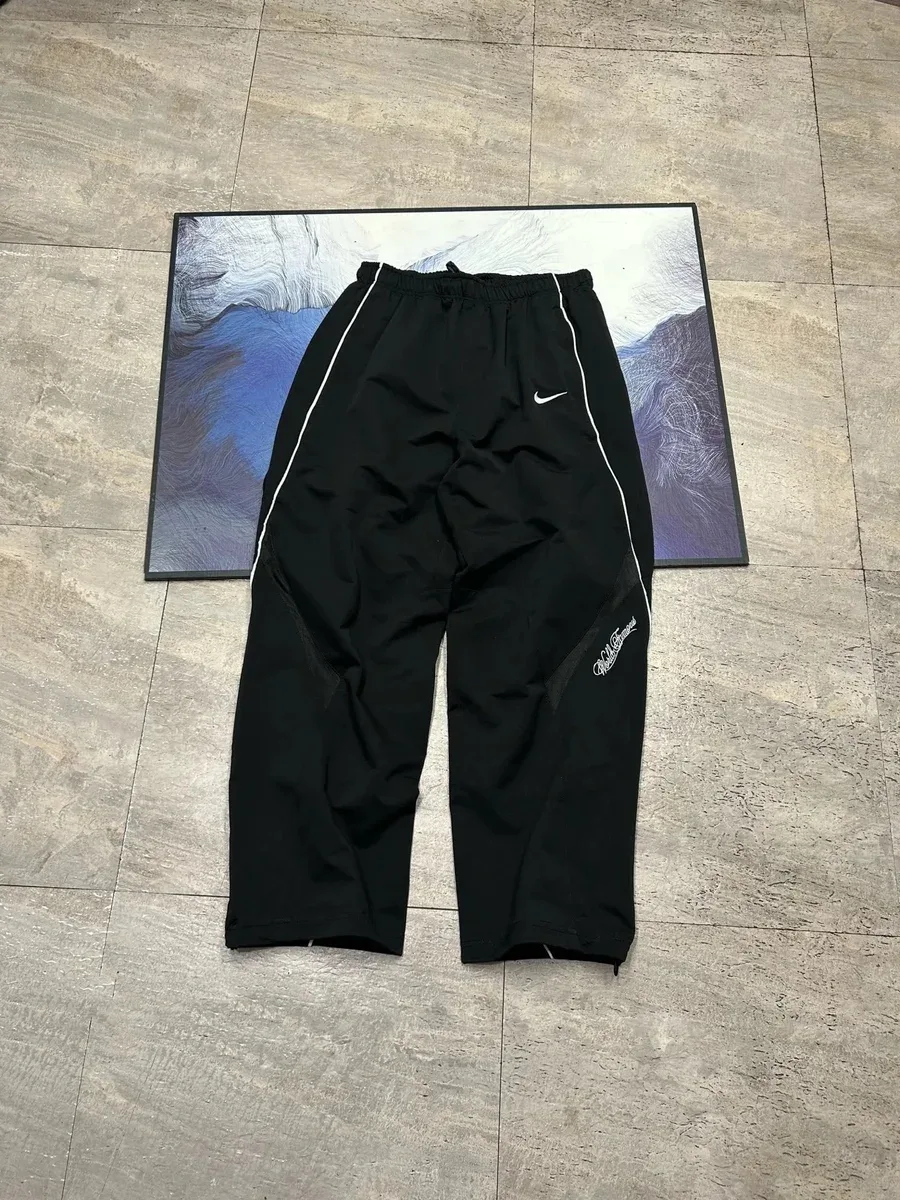
A flat front and back view helps reveal taper, panel shape, pocket position and whether both legs align evenly.
Review closures and hems
Check zippers, buttons, drawstrings, cuffs and bottom hems for obvious defects or a mismatch with the chosen variant.
Pants spreadsheet questions
How do I check Superbuy pants sizing?
Compare flat measurements with a similar pair you own. Double a flat waist width only when the garment is laid naturally and the seller uses that measuring method.
What if the QC photo does not show the inseam?
Request a photo with a measuring tape placed along the inseam or another dimension that matters before approving shipment.